Table of Contents
ToggleIntroduction - Why Canva Is a Real Income Tool Today
A few years ago, Canva was seen as a simple design tool for:
- Social media posts
- School projects
- Quick graphics
Today, that has completely changed.
Now, Canva is used by:
- Freelancers
- Bloggers
- YouTubers
- Small businesses
- Agencies
- Course creators
People are building real income using Canva by:
- Designing for clients
- Selling templates
- Creating digital products
- Managing social media content
The best part is that you don’t need professional design skills, expensive software, or years of experience.
If you can:
- Understand basic layouts
- Choose readable fonts
- Follow simple design rules
You should know how to make money with Canva for easy, fast content creation.
This guide will show you practical, beginner-friendly methods that focus on skills and consistency -not unrealistic shortcuts.
If you are interested in earning income through Canva, start by understanding niche clarity. Download My Free Niche Selection Workbook (Simple, beginner-friendly, and practical)
Benefits of Using Canva to Earn Money
Before looking at methods, it’s important to understand why Canva is so powerful for beginners.
Canva offers:
- A very low learning curve
- Ready-made templates
- Drag-and-drop design system
- Cloud-based access (no heavy software)
- Free version to start
This means:
- You can start from zero
- You don’t need a design degree
- You don’t need expensive tools
Canva removes the technical barrier that stops many people from starting online work.
Who Can Realistically Make Money with Canva?
Canva is not limited to professional designers.
It works well for:
- Students looking for side income
- Freelancers starting from zero
- Bloggers creating content
- Virtual assistants
- Social media managers
- Small business owners
If you can:
- Follow a template
- Maintain alignment
- Keep designs clean
As per my experience, you can surely start earning.
Many beginners use Canva as their first freelance skill because it allows them to start offering simple services without technical knowledge.
1. Offer Social Media Design Services (Fastest Income Method)
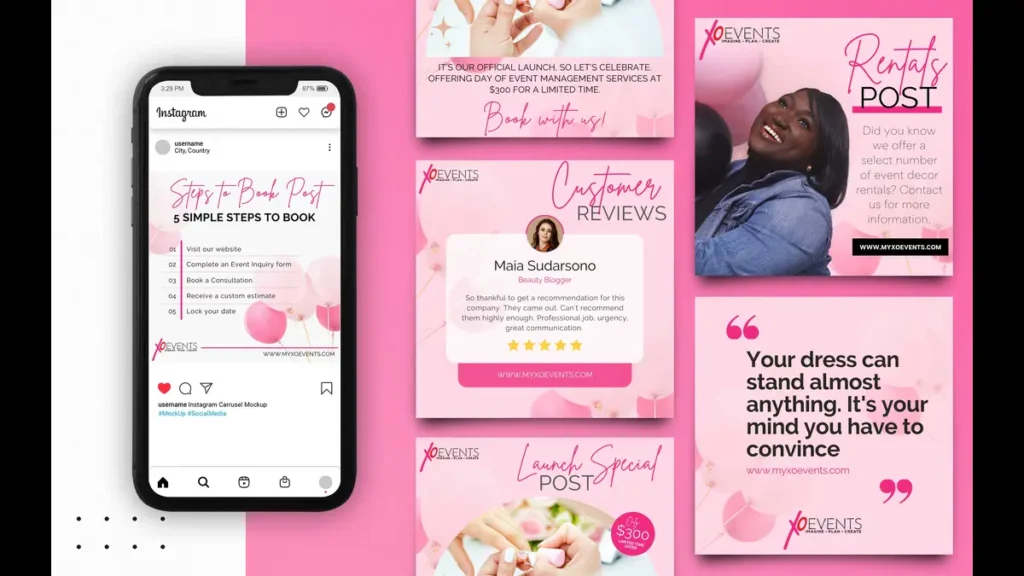
This is one of the easiest and fastest ways to earn money using Canva.
Businesses constantly need:
- Instagram posts
- Facebook graphics
- LinkedIn visuals
- YouTube thumbnails
- Pinterest pins
Most small business owners:
- Don’t have design skills
- Don’t have time to create content
- Prefer to outsource simple tasks
That creates an opportunity for beginners.
Example beginner service
A new freelancer offers:
- 12 Instagram posts per month
- Simple branded designs
- Monthly package for clients
Even small clients can pay monthly, which creates recurring income.
Most Instagram creators and small businesses rely on simple, consistent graphics, which is why Canva-based design services are always in demand.
2. Sell Canva Templates (Scalable Income Method)
Templates are one of the most powerful ways to make money with Canva because they scale.
You create the design once, and sell it many times.
Popular template ideas:
- Instagram post templates
- Resume templates
- Business card templates
- Ebook layouts
- Planner pages
- Social media kits
Where can you sell templates
- Etsy
- Gumroad
- Creative Market
- Your own blog
In my opinion, Canva templates turn Canva into a passive income tool when done consistently.
3. Create and Sell Digital Products
Canva is perfect for creating simple digital products.
Examples:
- Workbooks
- Checklists
- Guides
- Planners
- Lead magnets
- Printable calendars
These products:
- Have no shipping cost
- Can be sold globally
- Can be updated easily
Many bloggers use Canva to create their first paid digital product.
Many course creators also use Canva to design workbooks, slides, and supporting materials for their online courses.
4. Offer Presentation Design Services
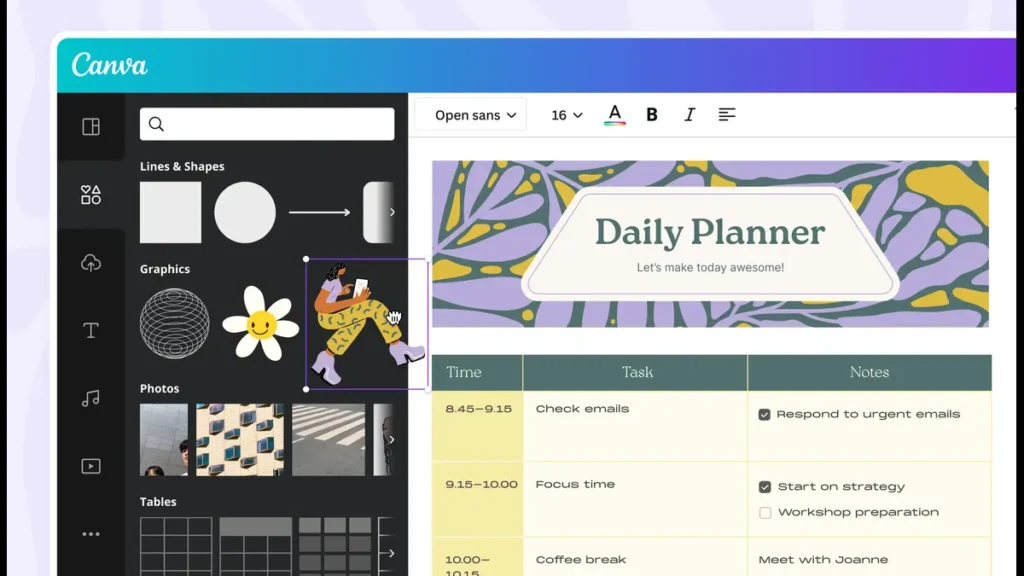
Presentations are always in demand.
You can use Canva to create:
- Business presentations
- Startup pitch decks
- Webinar slides
- Educational presentations
Many people:
- Hate designing slides
- Need clear visuals
- Are willing to pay for clean designs
As per my experience, this is a high-demand, beginner-friendly service.
5. Design Marketing Materials for Local Businesses
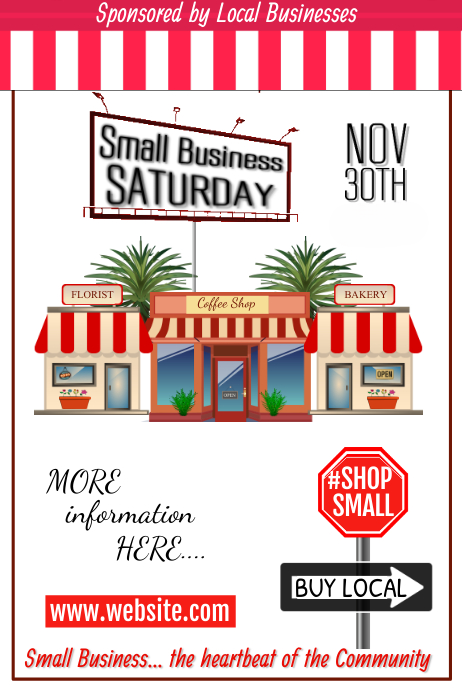
Local businesses constantly need simple designs.
You can create:
- Flyers
- Posters
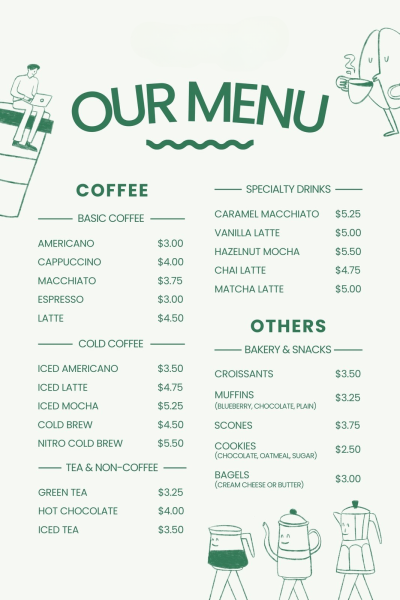
- Menus
- Event banners
- Brochures
Many local businesses:
- Prefer simple designs
- Want quick delivery
- Don’t need advanced design work
This is a great way to get offline clients using an online skill.
Comparison of Canva Income Methods
Method | Difficulty | Time to First Income | Scalability |
Social media services | Low | 1–2 months | Medium |
Presentation design | Low–Medium | 1–3 months | Medium |
Template selling | Medium | 2–4 months | High |
Digital products | Medium | 3–6 months | High |
Local business designs | Low | 1–2 months | Medium |
Beginners should usually start with:
- Social media services
- Local business designs
Then, you can move to:
- Templates
- Digital products
Canva-based services and digital products are considered some of the most beginner-friendly side hustles you can start online.
Step-by-Step Beginner Path to Earn with Canva
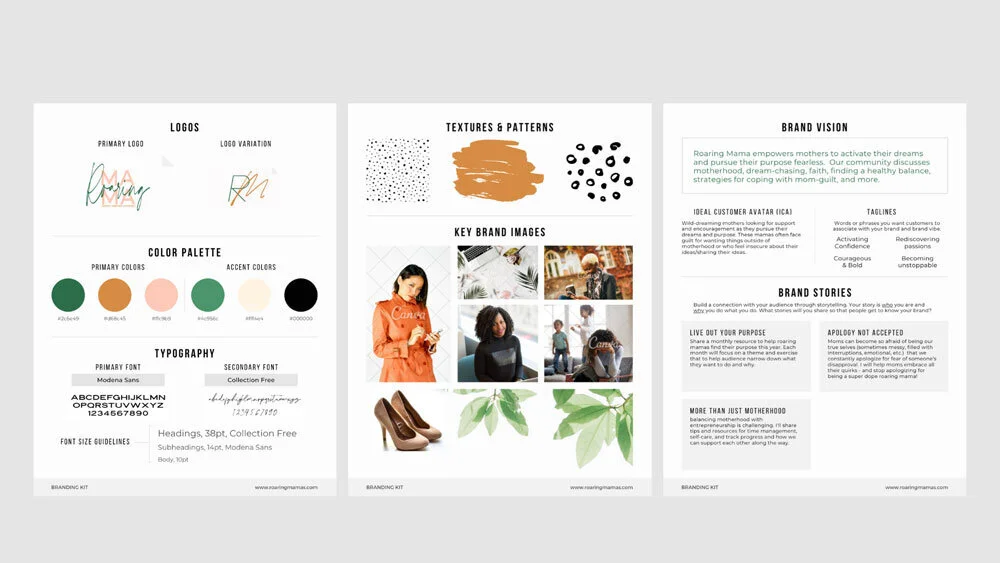
If you’re starting from zero, follow this simple plan.
Step 1: Learn basic Canva tools
Focus on:
- Text tools
- Colour selection
- Layout alignment
- Template editing
Spend 5-7 days practising.
Step 2: Choose ONE income method
Do not try everything at once.
Pick one:
- Social media services
- Templates
- Digital products
Focus builds speed.
Step 3: Practice by recreating designs
- Find designs on Instagram or Pinterest
- Recreate them in Canva
- Improve spacing and typography
This builds real skill quickly.
Step 4: Create a small portfolio
The portfolio created by Canva is very impressive. You can:
Make:
- 5-10 sample designs
- Different styles
- Clean layouts
Use these as your portfolio.
Step 5: Start offering services or selling products
You can start on:
- Freelance platforms
- Social media
- Marketplaces like Etsy
Consistency is more important than perfection.
Common Canva Money-Making Mistakes
Avoid these beginner mistakes:
- Copying templates without modification
- Trying five income methods at once
- Ignoring design basics
- Using too many fonts or colours
- Expecting instant income
Simple, clean, readable designs usually perform better.
Realistic Income Expectations
Let’s stay honest because it is the income part.
First 30-60 days
- Learning
- Practice
- Portfolio building
- Little or no income
60-120 days
- First freelance clients
- Small template sales
6+ months
- Regular freelance income
- Growing digital product sales
Canva income grows with:
- Skill
- Consistency
- Client trust
Real Beginner Example
Imagine a student who learns Canva basics.
Month 1:
- Practices daily
- Creates sample designs
In 2nd Month:
- Gets first client for ₹1,500
- Designs social media posts
After month 4:
- Has 3 clients
- Earns ₹8,000–₹12,000 per month
As a result at Month 6:
- Starts selling templates
- Adds extra passive income
In my opinion, this is a realistic growth path, not overnight success.
How Canva Fits into a Long-Term Online Income System
Canva is not just a tool – it becomes part of a bigger system.
You can use Canva to:
- Support freelancing
- Create digital products
- Build social media content
- Grow a blog
- Design email lead magnets
Many creators combine:
- Blogging
- Freelancing
- Canva products
This creates multiple income streams.
Many creators combine tools like Canva and AI writing assistants to build faster workflows and multiple income streams.
Not sure which skill or niche suits you best? Download My Free Niche Selection Workbook (It helps you choose a direction that actually converts.)
FAQs - Make Money with Canva
- Can beginners really make money with Canva?
Yes. Canva is beginner-friendly and suitable for simple services and products.
- Do I need Canva Pro to earn money?
No. The free version is enough to start.
- How long does it take to earn with Canva?
Most beginners see first results within 2–4 months.
- Is Canva good for freelancing?
Yes. It is widely used for social media and presentation design.
- What is the easiest way to start earning with Canva?
Offering social media design services is usually the fastest path.
Canva makes design accessible to everyone, but income still depends on effort and consistency. Focus on one method, practice daily, and improve step by step. That is how real online income is built.
💬 Which Canva income method are you planning to start with?
Comment below – I’ll guide you honestly.